19 free tools · each with a guide
Free tools for bookkeepers
Price your services, send the proposal, sign the engagement letter, and do the client's books, with templates and calculators built for US bookkeeping practices.
- Free, no sign-up
- Nothing leaves your browser
- Word, Excel, and PDF
Start here
A good place to start in each group
Win the client
Price listBookkeeping Pricing Template
Build your price listContracts and engagement letters
LetterBookkeeping Engagement Letter Template
Write the letterMonth-end checks
WorkbookBalance Sheet Reconciliation Template
Reconcile the accountsJournal entries, payroll and owner tax
Examples + toolSimple Journal Entry Examples
Build an entry
01
Win the client
Set your prices once, then send a proposal with three packages.
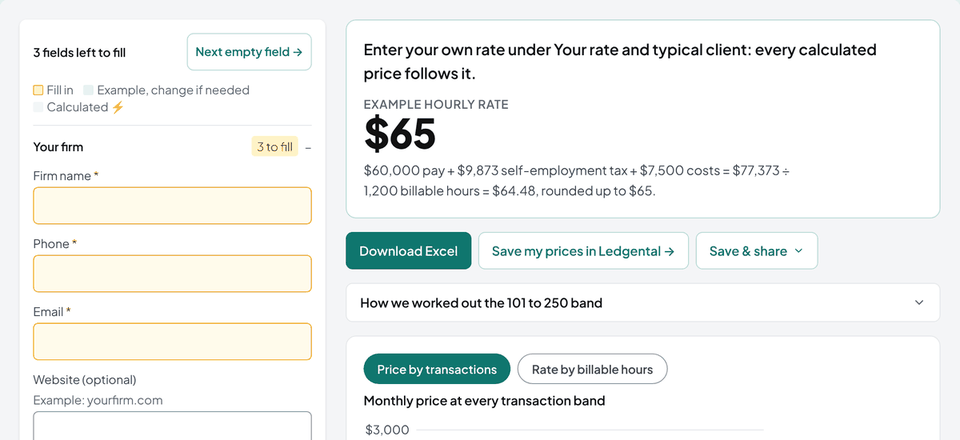 Price list
Bookkeeping Pricing Template
Build your price list: three packages priced by transaction volume, add-ons, and one-time fees, with suggested prices and a profit check.
- Excel
- Word
Build your price list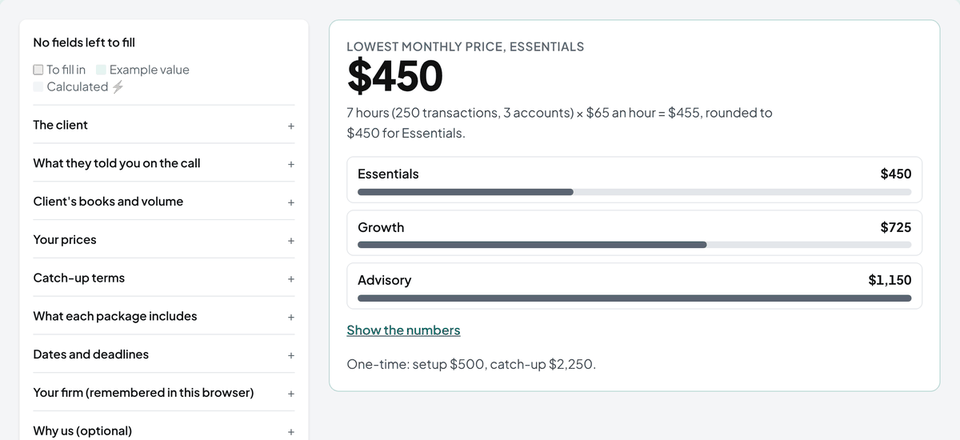 Proposal
Bookkeeping Proposal Template
Build a client proposal with three packages priced by a built-in pricing calculator, plus follow-up emails ready to send.
- Word
- Follow-up emails
Build a proposal
02
Contracts and engagement letters
Scope, fees, and client deadlines, signed before the work starts.
 Letter
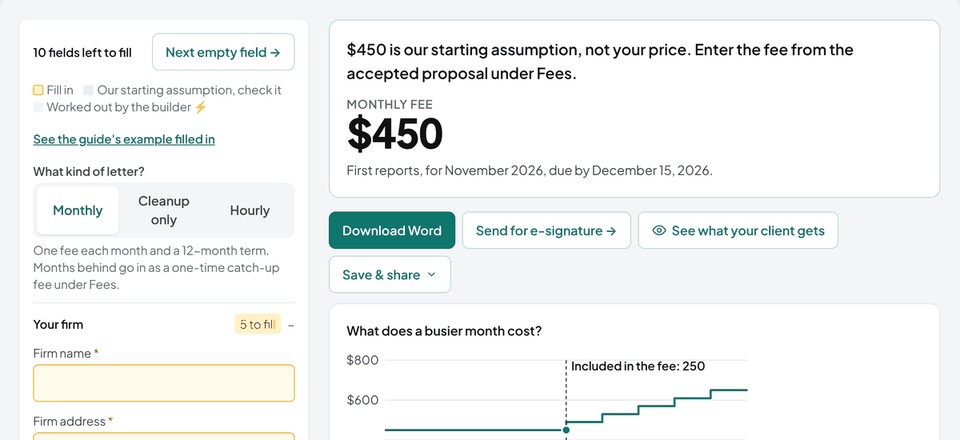
Bookkeeping Engagement Letter Template
Write a monthly, cleanup-only or hourly engagement letter: scope with numbers, client deadlines, fees, payroll details, and standard terms.
- Word
Write the letter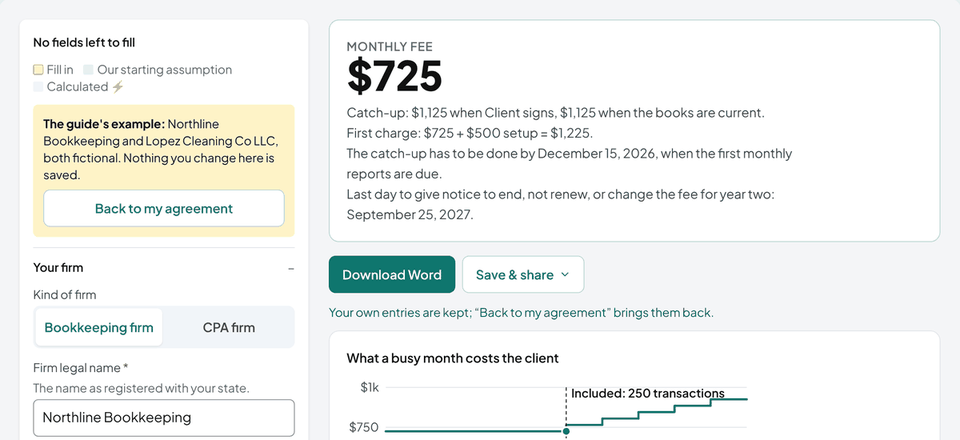 Contract
Bookkeeping Service Agreement Template
A numbered bookkeeping services contract with scope, fees, term, and the standard legal clauses, filled in online.
- Word
Write the agreement
03
Month-end checks
Prove the balances, tie out the tax, and find what still needs an entry.
 Calculator
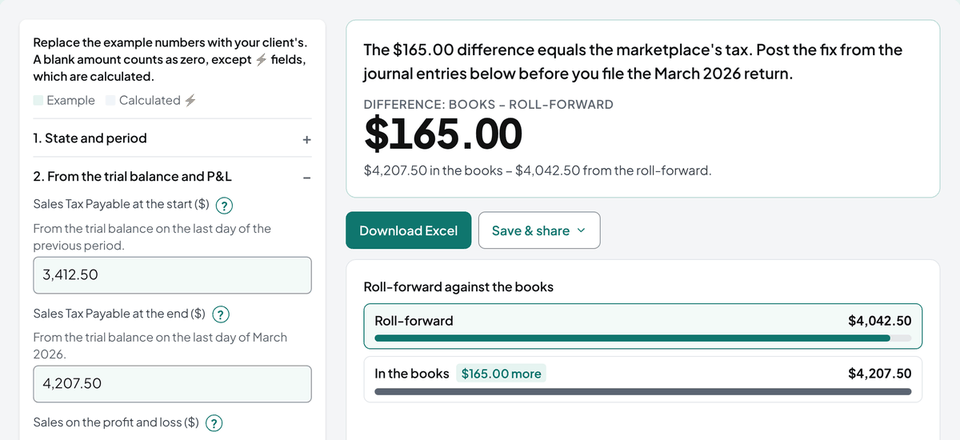
Sales Tax Reconciliation Tool
Roll Sales Tax Payable forward from the sales reports and payments, find the difference and its likely cause, and get the journal entries. State discount and marketplace rules included.
- Excel
- Journal entries
Reconcile sales tax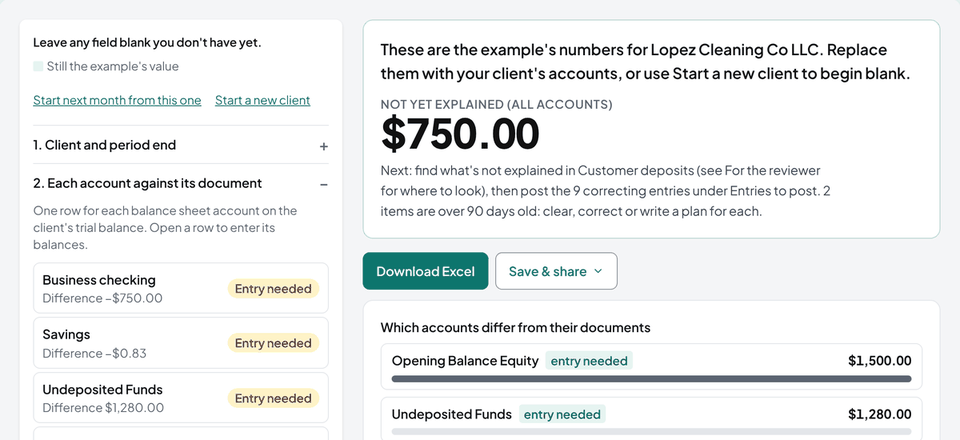 Workbook
Balance Sheet Reconciliation Template
Prove every balance sheet account against its bank, lender, card or vendor document, list what explains each difference, age the open items, and see what still needs an entry.
- Excel
- CSV
Reconcile the accounts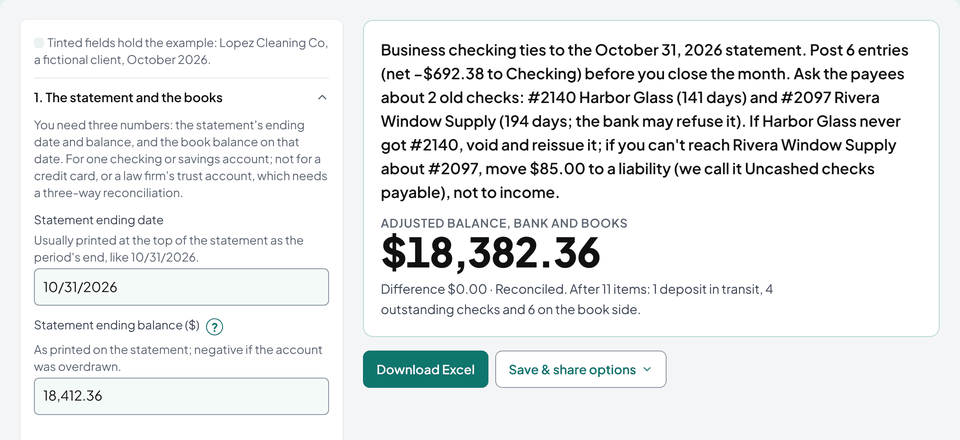 Form
Bank Reconciliation Form
Reconcile a checking account to its statement: both sides of the form, where a difference hides (swapped digits, a flipped sign, last month changed), the journal entries to post, and old checks flagged.
- Excel
- CSV
Reconcile a bank account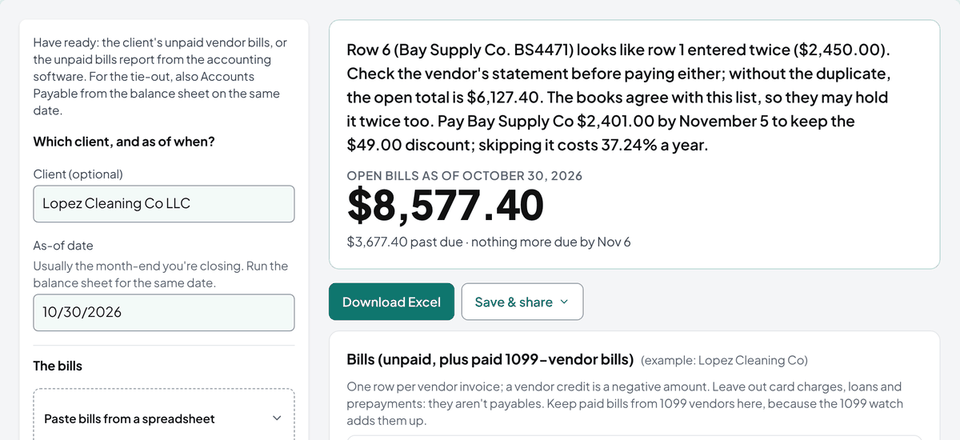 Tracker
Accounts Payable Template
Track a client's unpaid bills: due dates worked out from the terms, aging as of any date, open early-payment discounts, duplicate checks, vendor statement checks, a payment list for approval, a 1099 watch and the tie-out to the books.
- Excel
- CSV
Track unpaid bills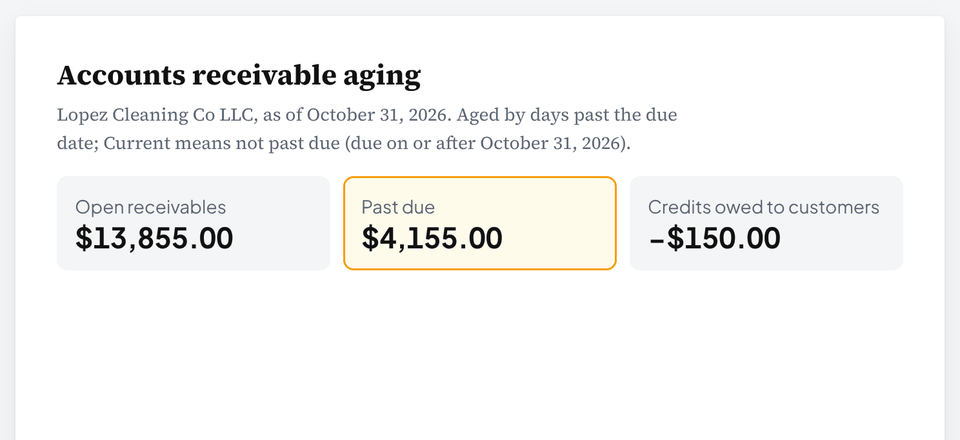 Report
Accounts Receivable Aging Report
Age a client's open invoices as of any date, keep customer credits apart, see what to fix first, and tie the total to Accounts Receivable in the books.
- Excel
- CSV
Age the receivables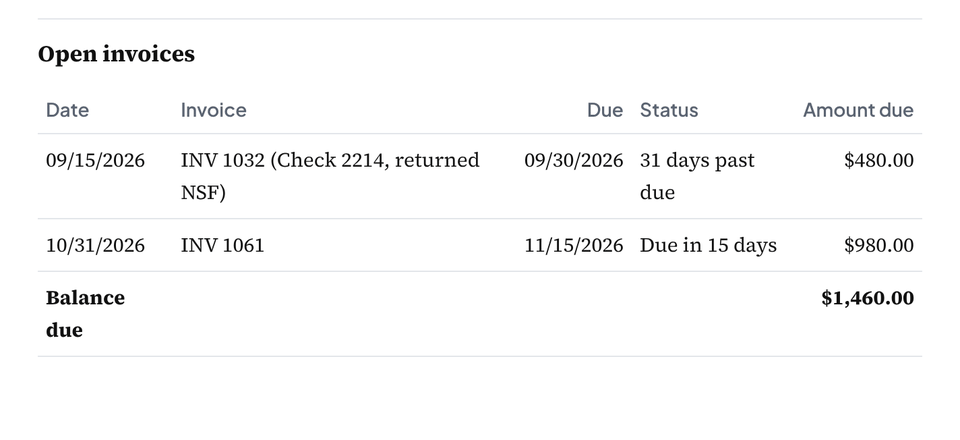 Statement
 of Account Template
Make one customer's statement from their invoices, payments and credits: each open invoice aged from its terms, a bounced check shown right, and the balance checked against your books.
- Excel
- Word
- CSV
Make a statement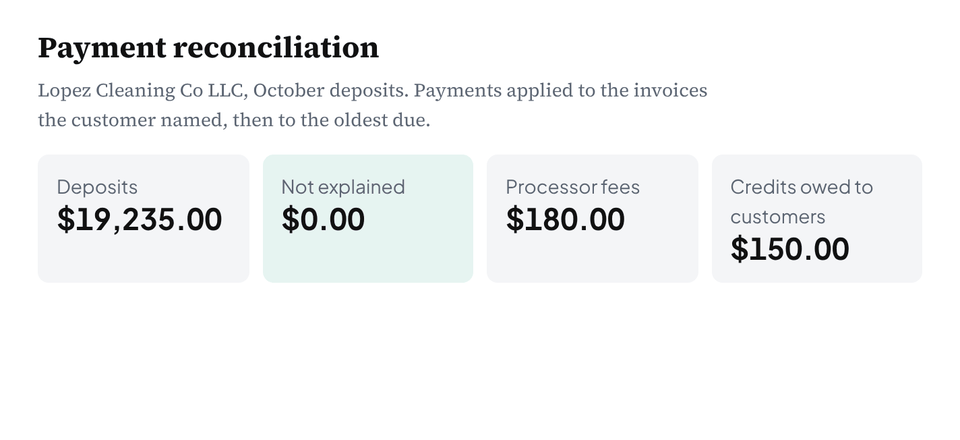 Matcher
Payment Reconciliation Tool
Match each deposit to the invoices it paid: payments applied to the invoices named or the oldest due, every difference named (a fee, a short or extra payment), and the entries.
- Excel
- CSV
- Journal entries
Match deposits to invoices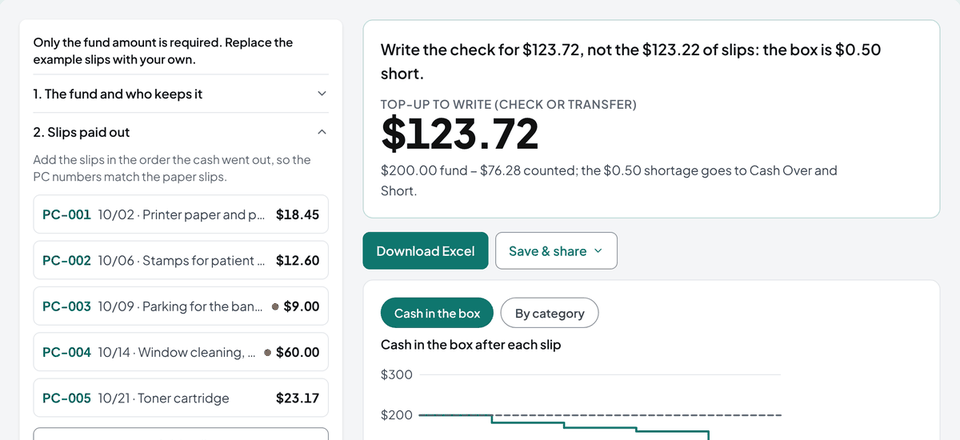 Log
Petty Cash Log Template
Log each payout with a running balance, count the box at month end, and get the exact top-up, the over or short, and the journal entry.
- Excel
- Word
- CSV
- Slips
Start the log
04
Journal entries, payroll and owner tax
The entries you type by hand, and the questions owners bring you.
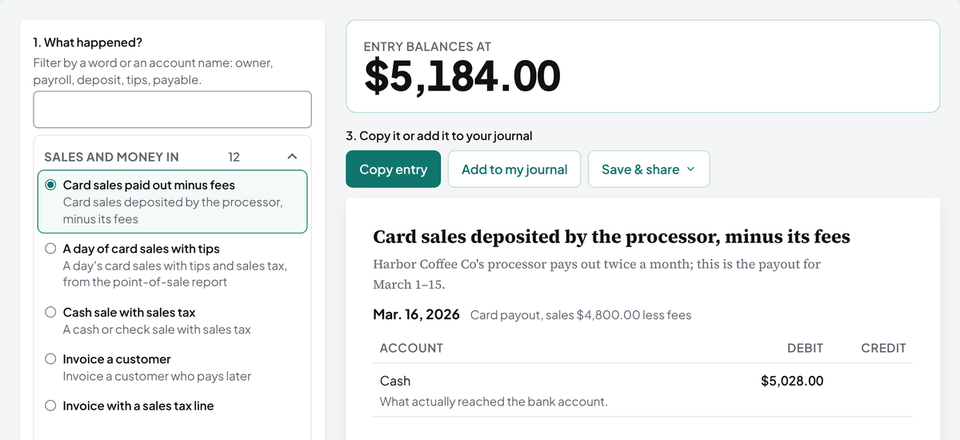 Examples + tool
Simple Journal Entry Examples
22 worked journal entries from one coffee shop's month, ending in a trial balance that ties, plus a tool that builds any of 41 common entries in your own amounts.
- Journal entries
- CSV
- Trial balance
Build an entry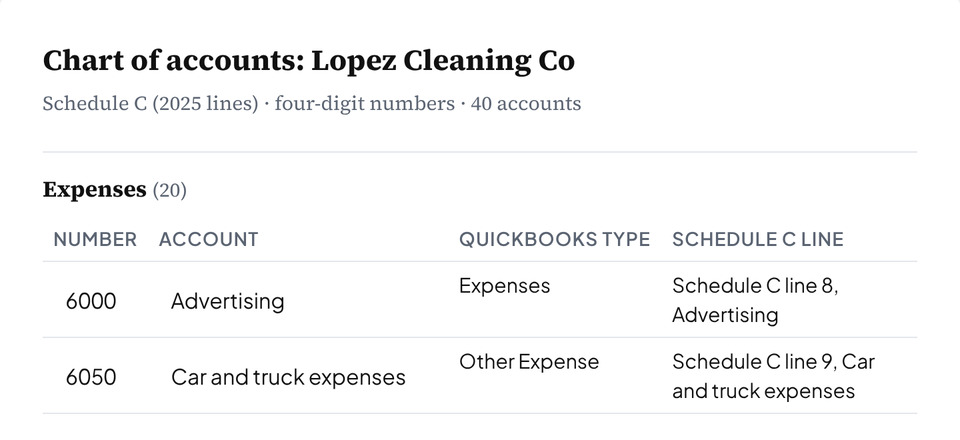 Builder
Chart of Accounts Template
Build a client's chart of accounts from the return they file: numbered accounts mapped to Schedule C, 1065 or 1120-S lines, ready to import into QuickBooks Online or Xero.
- QuickBooks file
- Xero CSV
- Excel
Build the chart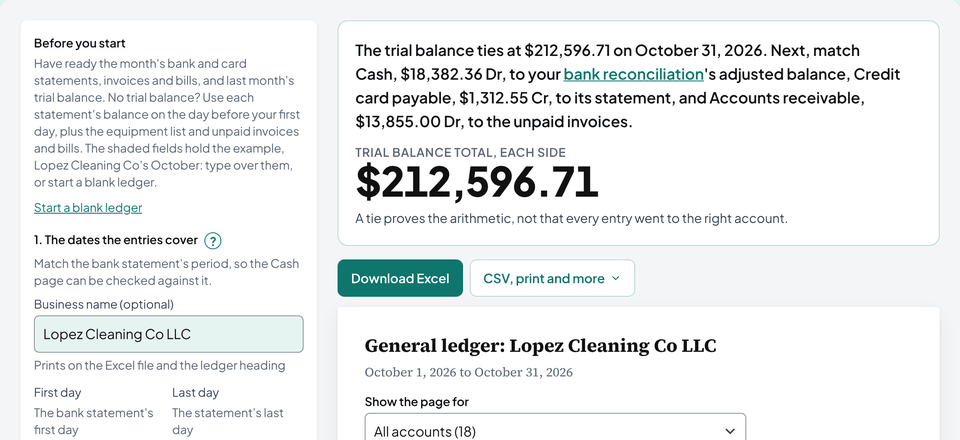 Ledger
General Ledger Template
Post journal entries to a page per account with a running balance, get the trial balance from those pages, see which entry breaks it, and close the year.
- Excel
- CSV
Post your entries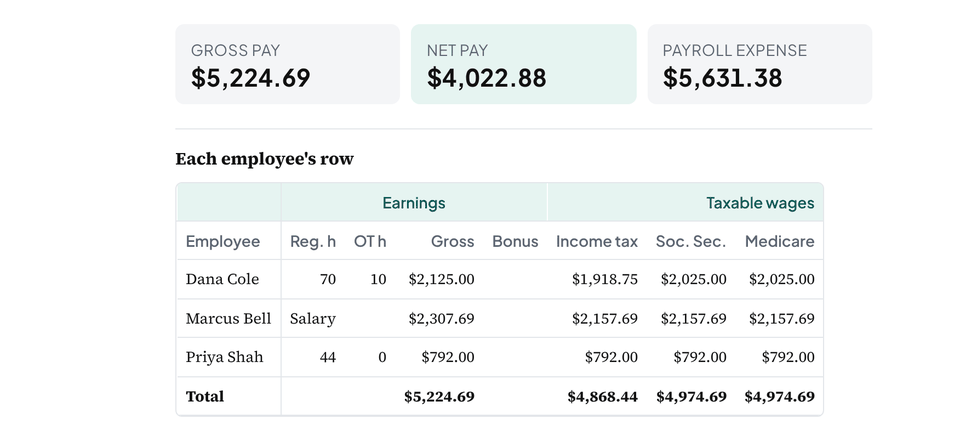 Register
Payroll Register Template
Lay out one pay run: hours and overtime by workweek, taxable wages for each tax, withholdings, deductions and net pay, then the journal entry and the bank withdrawals it should match.
- Excel
- QuickBooks CSV
- CSV
Build a payroll register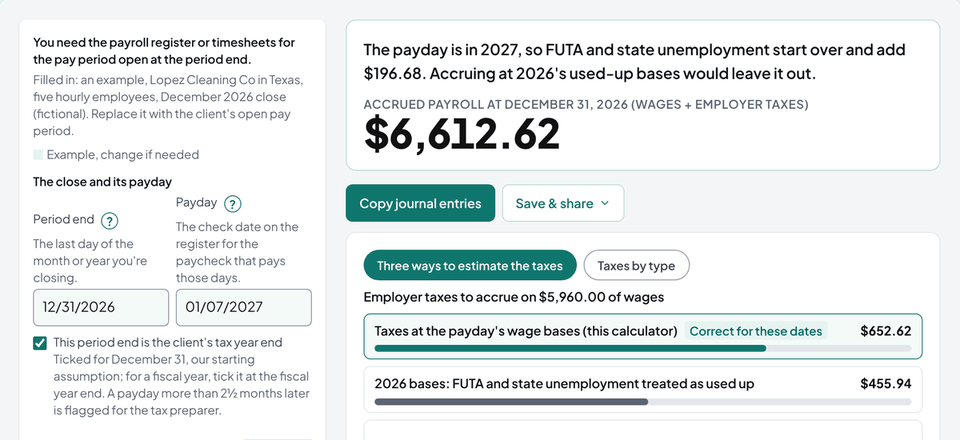 Calculator
Accrued Payroll Journal Entry Calculator
Accrue the wages earned by the period end and the employer taxes on them, at the payday's wage bases. Get the accrual, reversing and payday entries for every employee.
- Calculator
- Journal entries
- CSV
Build the entries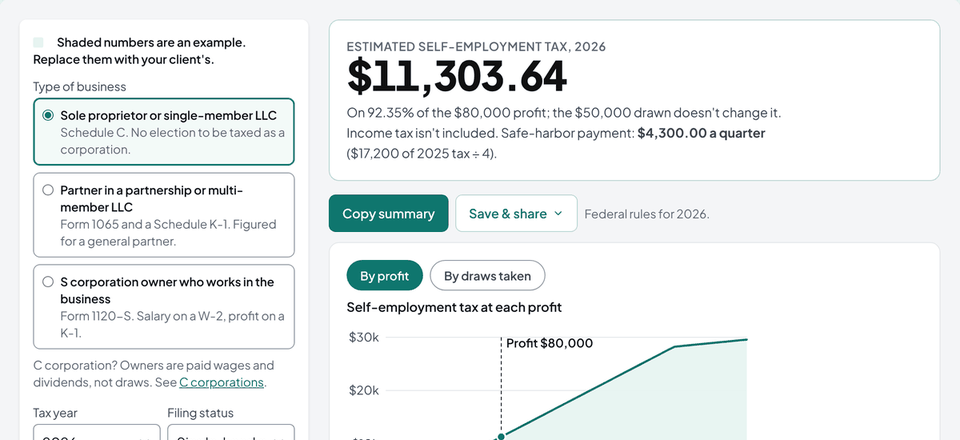 Calculator
How Are Owner Draws Taxed? (Calculator)
Tax follows profit, not draws. See the self-employment tax and the safe-harbor quarterly payment on a client's profit, the rules for each business type, and the journal entries for draws.
- Calculator
- Journal entries
Run the numbers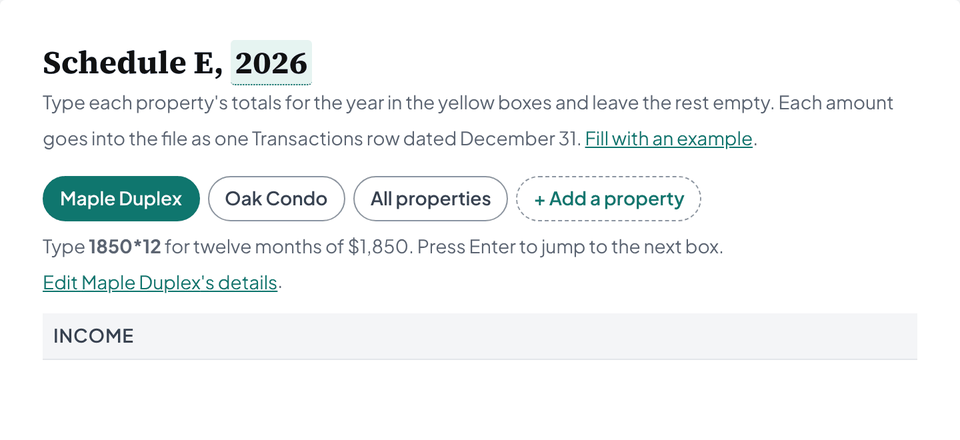 Workbook
Rental Property Bookkeeping Template
An Excel and Google Sheets workbook for 1 to 20 rentals. One transaction log fills in Schedule E by property, depreciation, deposits, and monthly cash flow.
- Excel
- Google Sheets
Get the workbook
From the blog
All articles →- Law firmsLaw Firm Bookkeeping: What a Bookkeeper Does DifferentlyThe client trust account, one month of journal entries, a three-way reconciliation worked with numbers, what to do when it doesn't tie, and what eight state rules require.
- Sales taxIs Sales Tax an Expense?Sales tax you collect is a liability; sales tax you pay is part of what you bought. Journal entries, use tax, taxes on the seller, and where each amount goes on Schedule C.
How these tools are made
Ledgental is a software company, not an accounting firm. Each rate and rule in the tools links to where it comes from (the IRS, the SSA, a state revenue department, or the publisher), and each tool's arithmetic is checked by tests with answers worked out by hand. Tools last updated October 2026. Our own text, charts and tables are free to reuse under CC BY 4.0 with credit to Ledgental and a link. How we work
Ledgental app
Send the proposal and the letter from the app
Clients accept and sign from their phone, one page lists everything still open for them, and you see who's done without chasing.
Free during the beta, no credit card